1Password Families
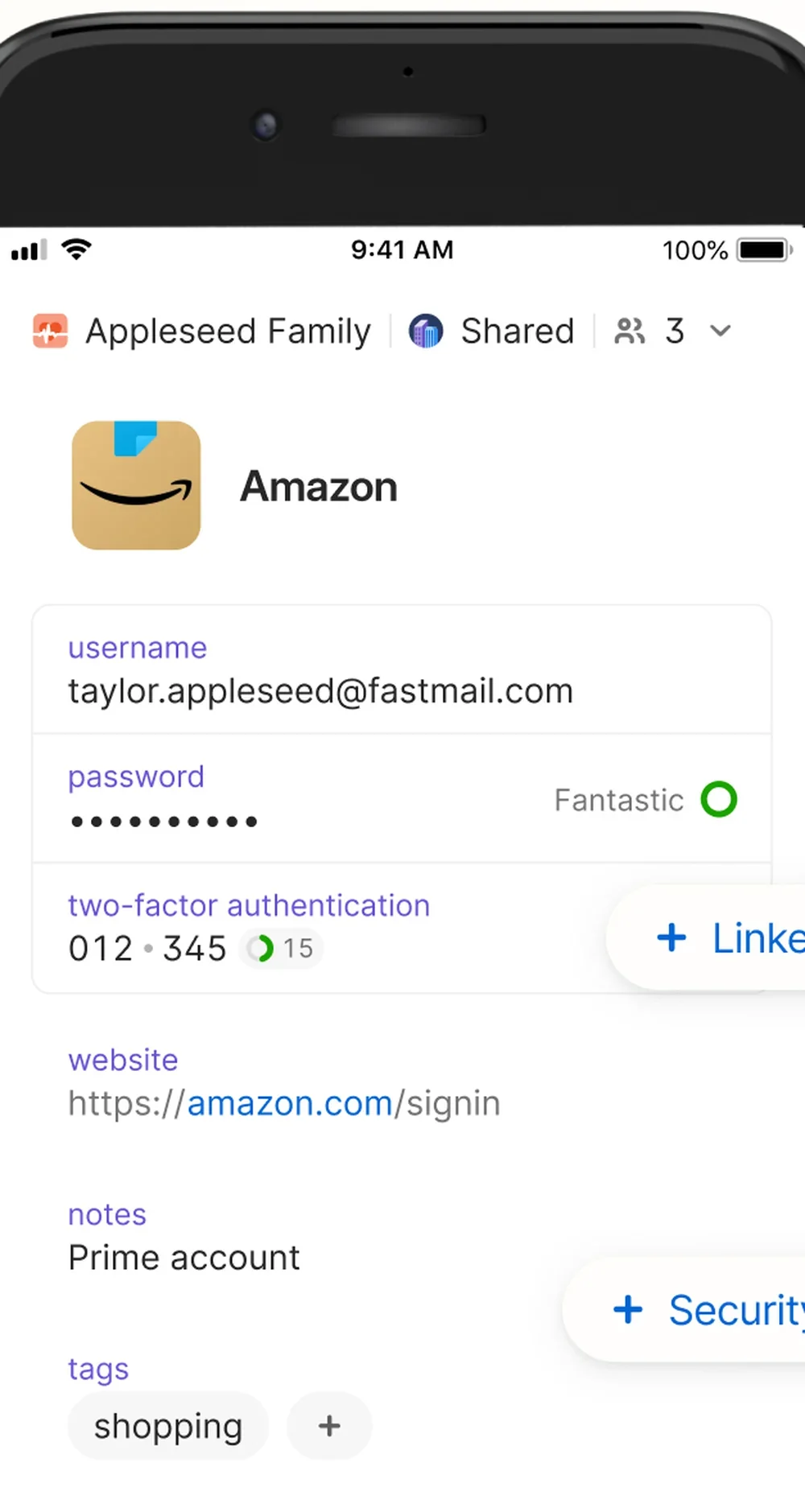
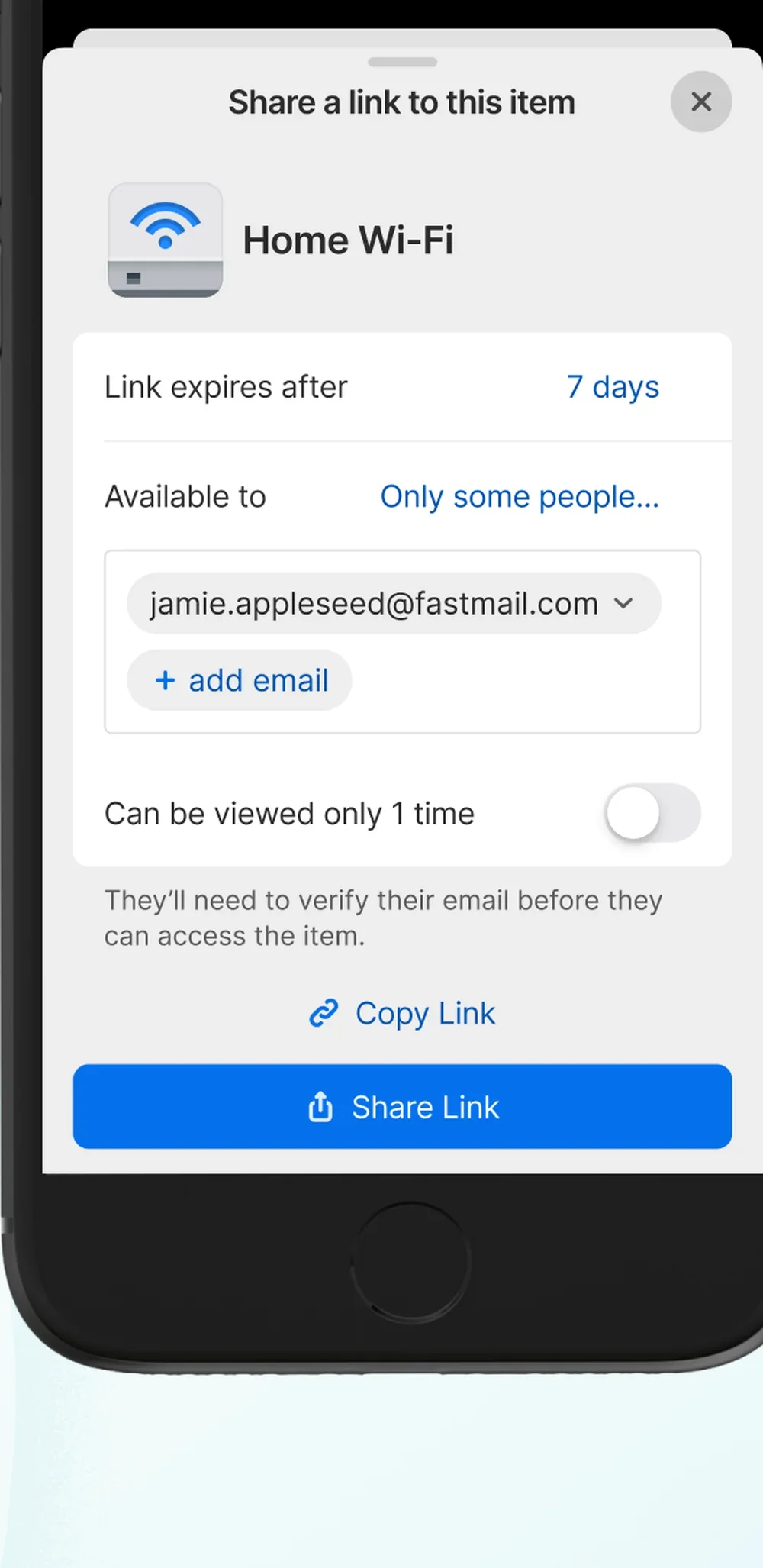
1Password Families holds the gate code, the Wi-Fi, and the school login.
Who it’s for
Both phones will open one paid vault, up to five people.
Who should skip
Skip it if you already share Bitwarden and both of you open it.
Price
Families is $4.49 a month for the first year on 1password.com, or $7.99 monthly. The sale is not in the app stores.
Works on iPhone, Android, and the web.
Last checked
Setup on both phones
- Create one Families account.
- Invite the other parent into a shared vault.
- Turn autofill on for each phone.
What to put in it
- Gate code, garage code, and Wi-Fi.
- School portals and the pediatric login.
- A recovery either of you can use without a text.
Checked against Bitwarden
Bitwarden is the same shared vault on a smaller bill.
The downside
There is no free family plan, and skipped autofill sends the codes back to texts.