Bitwarden Families
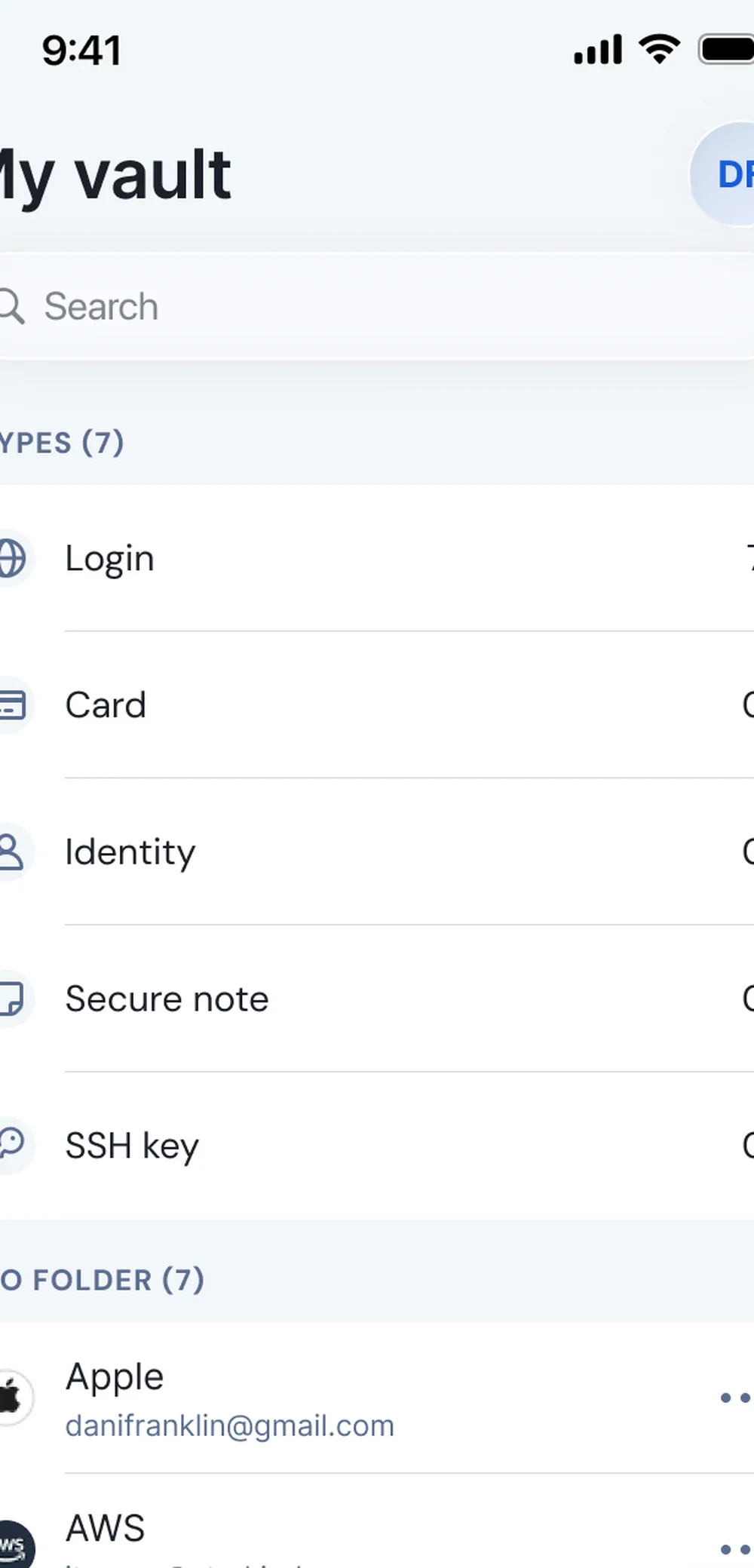
Bitwarden Families is the shared vault when the 1Password price is the holdup.
Who it’s for
Both of you will install a family vault for the codes.
Who should skip
Skip the switch if 1Password is already the habit.
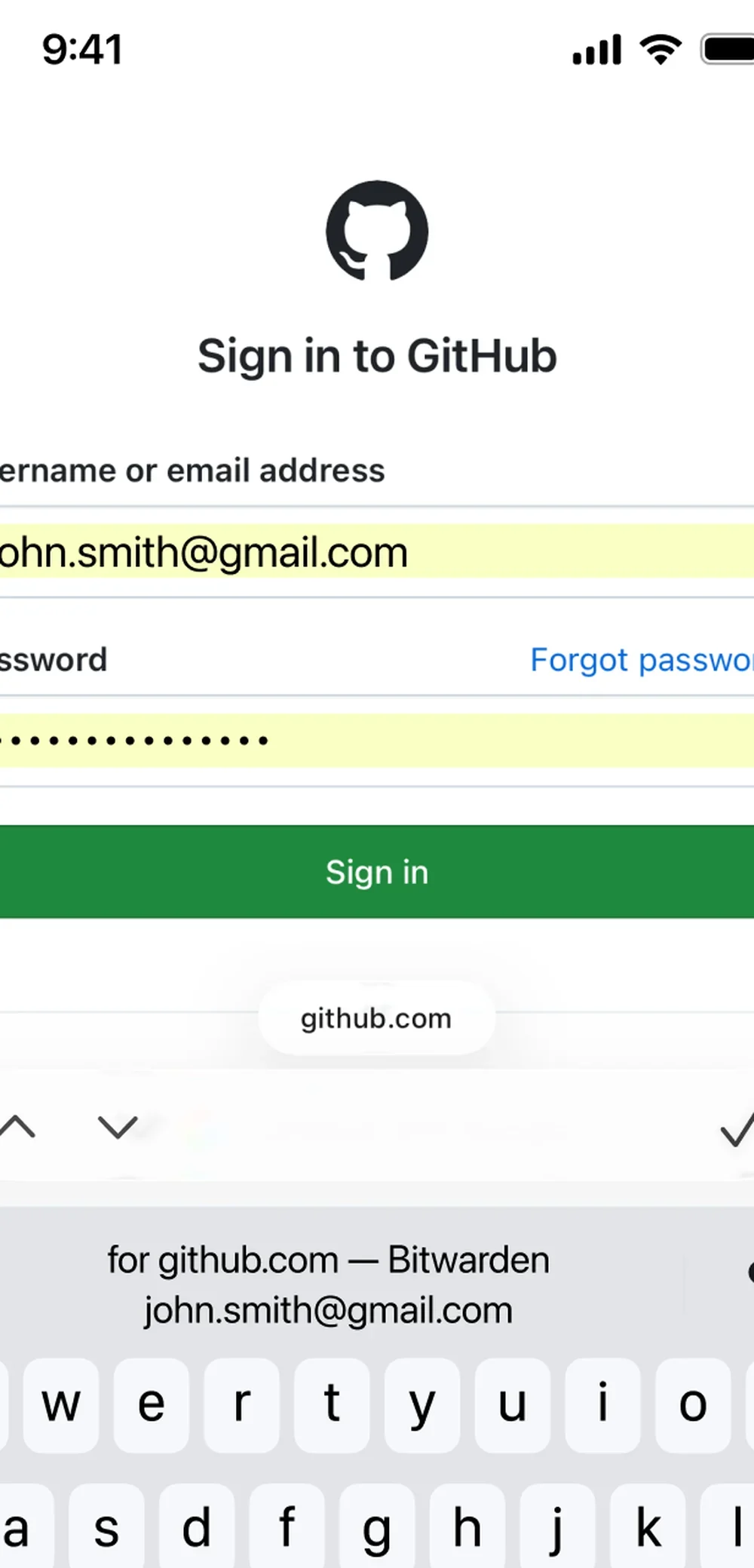
Price
Paid. Bitwarden lists the Families price on its site.
Works on iPhone, Android, and the web.
Last checked
Setup on both phones
- Create a Families organization.
- Invite the other parent.
- Confirm both phones open the shared collection.
What to put in it
- A families organization, not two personal vaults.
- The codes either of you will need this week.
- A recovery method that does not depend on one phone.
Checked against 1Password
Keep 1Password if it is already the habit on both phones.
The downside
The cheaper vault only works if both of you open it.