Fantastical
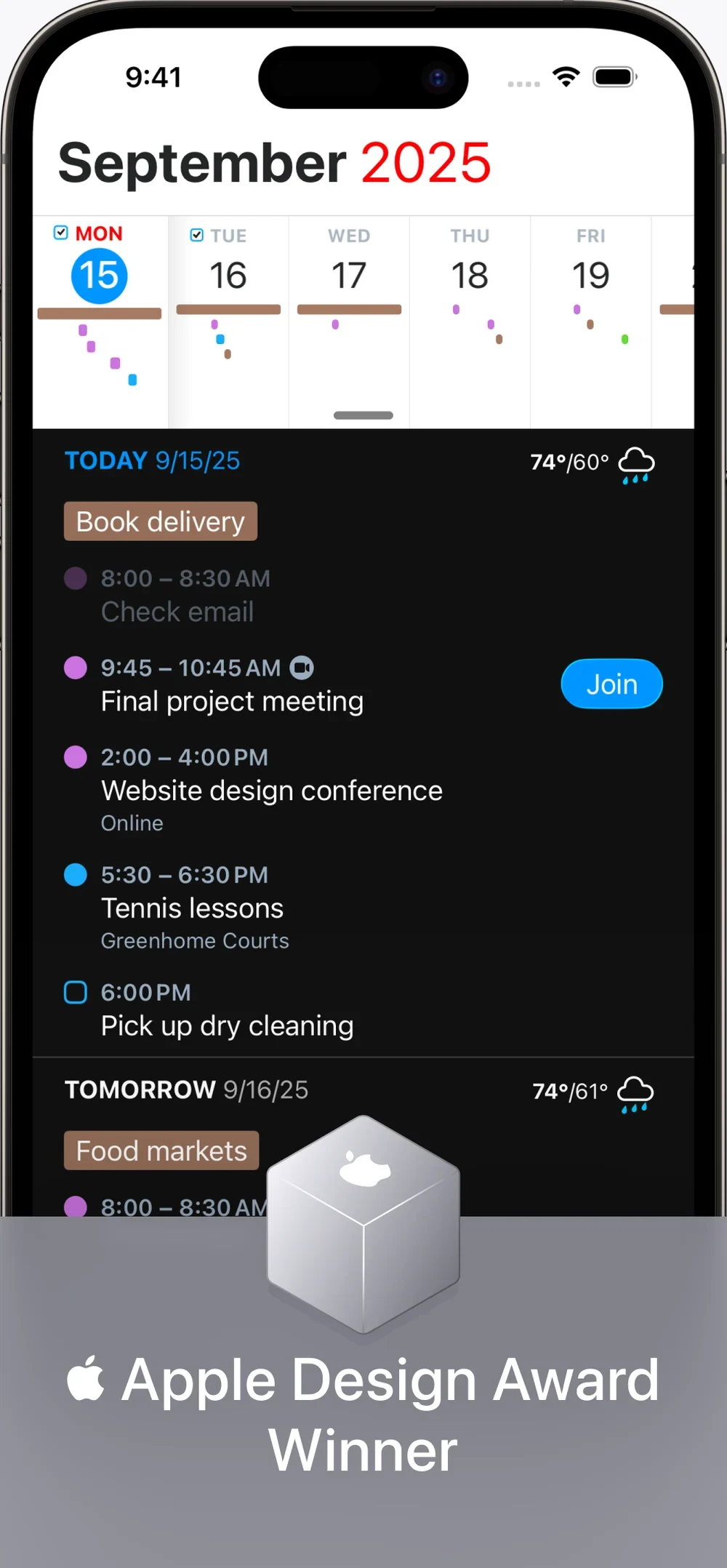
Fantastical is a fast calendar when both phones are Apple.
Who it’s for
Both of you are on iPhone, and one of you wants work and home in one view.
Who should skip
Skip it if the other parent is on Android or will not pay.
Price
Paid. The current price is on Flexibits’ Fantastical page.
Works on iPhone.
Last checked
Setup on both phones
- Install it on both Apple phones if both of you will open it.
- Keep the shared week in Cozi, TimeTree, or Google if only one of you will.
What to put in it
- Work and home in one view, on the Apple phones you both use.
- A natural-language add when a time changes mid-week.
- The shared week stays in Cozi, TimeTree, or Google if one of you will not open Fantastical.
The downside
A fast calendar on one phone is how the other parent misses pickup.