The family calendar for a shared week
The pickup time is in one person’s head. The other parent finds out by text.

Photo by Vlada Karpovich on Pexels
Cozi is the pick when the grocery list has to live with the week. TimeTree is the pick when you only want the shared calendar. Google Calendar is the pick when both of you already live in Gmail.
| App | Works on | Free version | Paid price | Shared lists | Skip it if |
|---|---|---|---|---|---|
| Cozi | iPhone and Android | Free with ads | Gold is $39 a year for the whole account. Max is $79 a year. | Yes | You only need a calendar, and you already share Google or Apple. |
| TimeTree | Apple and Android | Free with ads | Premium is US$4.49 a month or $44.99 a year, per account. | No | You also want the grocery list in the same app. That is Cozi. |
| Google Calendar | iPhone, Android, and the web | Free with a Google account | None | No | You want a family app you do not already open. |
| Apple Calendar | iPhone | Free with iCloud | None | No | Skip it if one parent is on Android. |
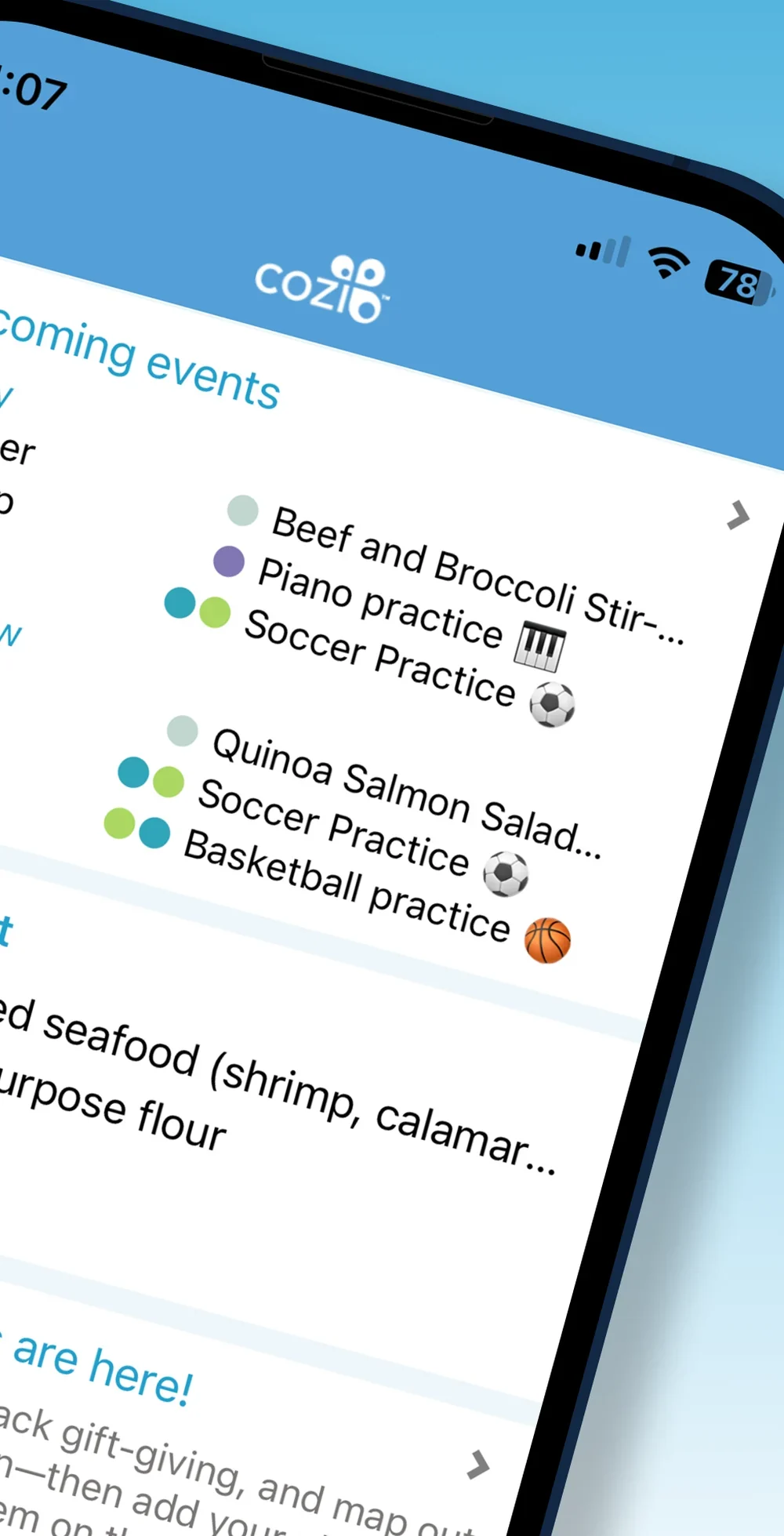
The week and the grocery list in one app
Free with ads. Gold is $39 a year for the whole account. Max is $79 a year and adds AI tools.
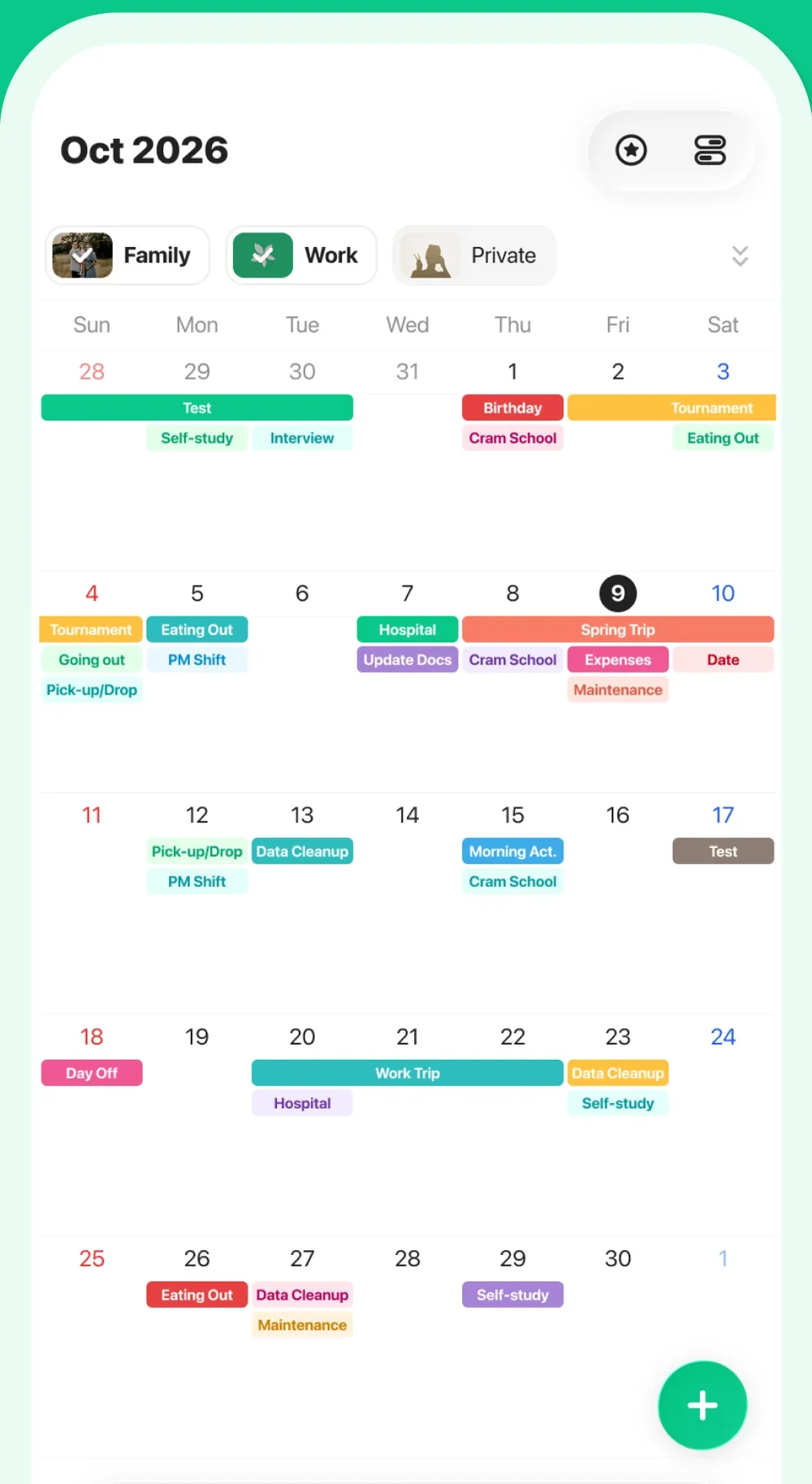
A shared calendar, with the list in another app
Free with ads. Premium is US$4.49 a month or $44.99 a year, first month free, per account.
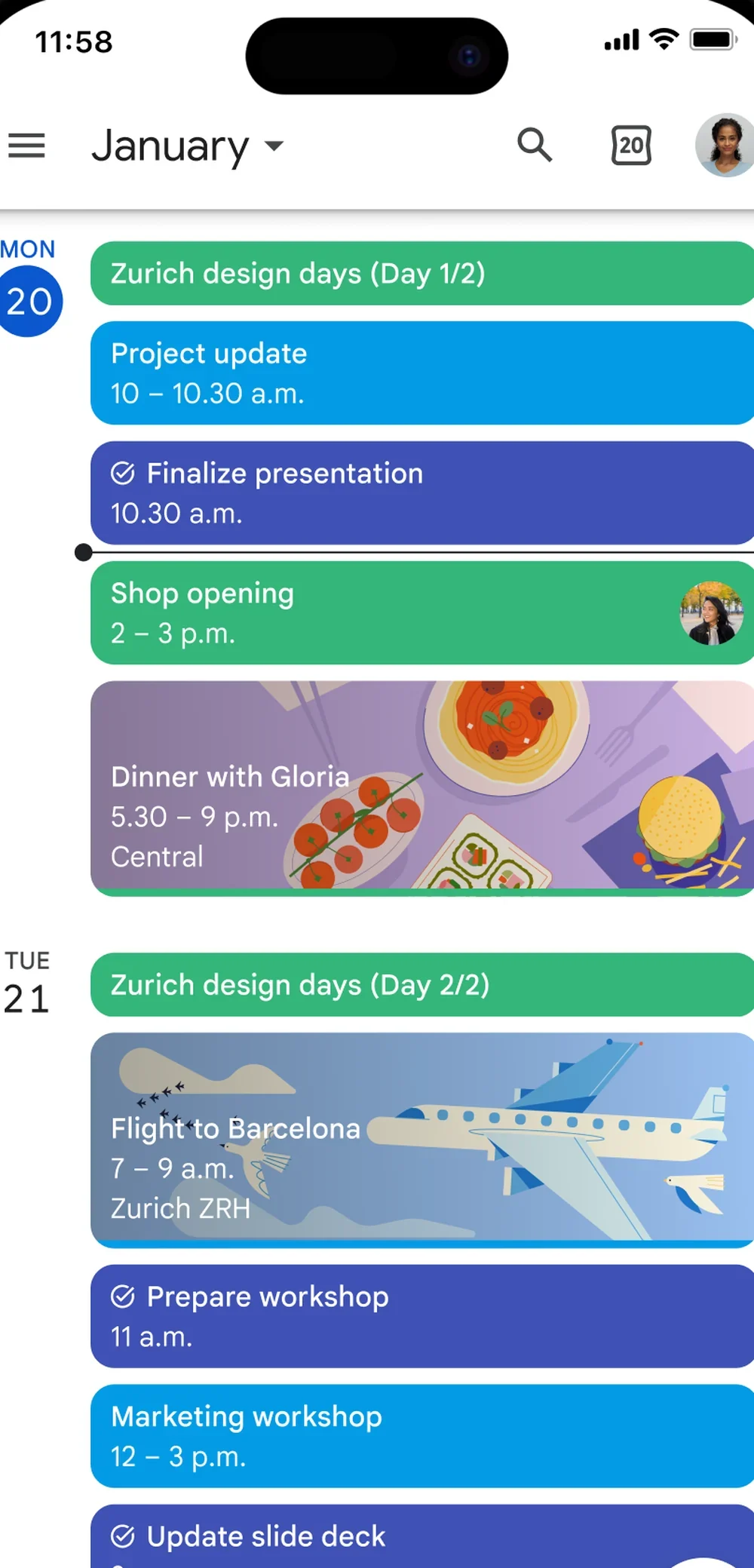
You already live in Gmail
Free with a Google account.
Apple’s sharing guide has no Calendar screen.
Both phones are iPhones, and Calendar is already shared
Free with iCloud.
How this was chosen
It has to work on both phones, including an iPhone and an Android phone. Both parents can add an event and see it without a text. The prices below come from the vendor pages, checked October 13, 2026.
Cozi
Why we picked it
The week and the grocery list sit in one app, on one family login, on iPhone and Android.
Who it’s for
Both phones, Apple or Android, on one family login.
Who should skip it
Skip it if a shared calendar is already the week.
Free with ads. Gold is $39 a year and covers the whole account. Max is $79 a year and adds AI tools for events, recipes, and meal plans. Cozi’s FAQ says the free plan can enter events from Agenda view for the next 30 days, and Gold removes that limit. Cozi plan comparison. Read the Cozi review.
TimeTree
Why we picked it
A shared calendar on Apple and Android, separate from a work calendar.
Who it’s for
You want the calendar, and the grocery list can live in another app.
Who should skip it
Skip it if the grocery list has to live in the same app. Cozi is the review for that.
Free with ads. Premium is US$4.49 a month or $44.99 a year on TimeTree’s US premium page, and the first month is free. TimeTree’s help page says Premium is per account, with no shared subscription. The price can vary by region. TimeTree Premium. Read the TimeTree review.
Google Calendar
Why we picked it
It is already there if both of you live in Gmail.
Who it’s for
Both of you already open it.
Who should skip it
Skip it if you want a family app you do not already open.
Free with a Google account. Share that calendar with the other parent. A family group is optional. Google’s help pages cap a family group at 6 people: the manager and five members. Google family group. Read the Google Calendar review.
Apple Calendar
Why it’s listed
It is already on the iPhone. There is no separate review of it on this site.
Who it’s for
Both phones are iPhones, and the shared iCloud calendar allows editing.
Who should skip it
Skip it if one parent is on Android. Cozi and TimeTree cover a mixed house.
Free with iCloud. Apple’s iPhone guide says you can share an iCloud calendar with other iCloud users and let them add or change events. Share iCloud calendars on iPhone.